
Blogs
How to Choose the Right Projector Screen in Kenya

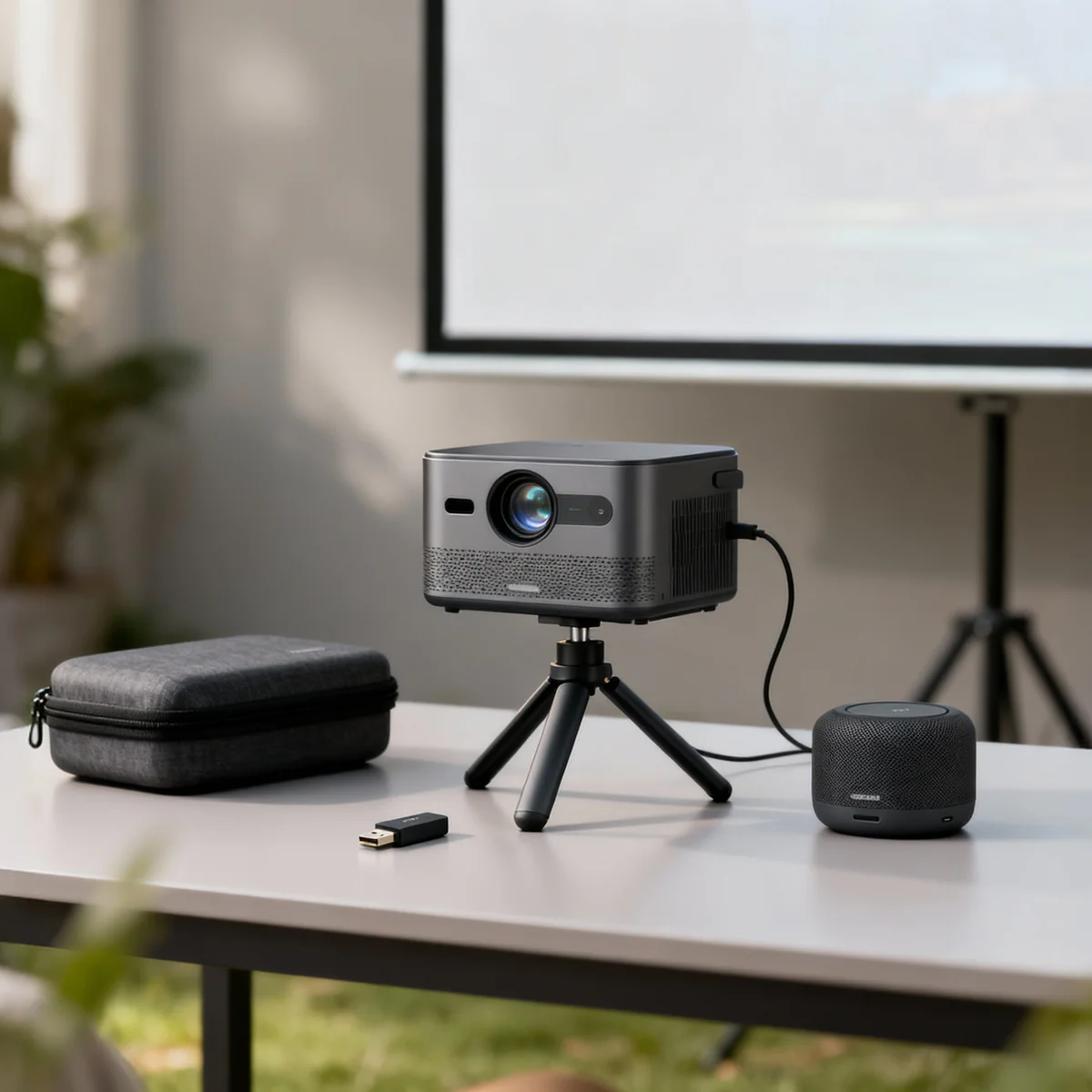
A projector alone does not deliver a complete viewing experience. The quality of your display, installation, and connectivity depends heavily on the accessories you pair with it. The right screen improves clarity, the right mount ensures stability, and the right wireless tools enhance convenience.
At Ryan and Troy Store, the projector accessories category includes a complete ecosystem of electric screens, manual screens, tripod screens, mounting systems, wireless modules, and presentation tools, designed to support both professional and personal setups.
This guide explains each category and helps you choose the right accessories for your environment.
1. Electric Projector Screens (Premium Fixed Installations)
Electric screens are ideal for boardrooms, conference halls, and premium home theaters where convenience and automation matter.
Available options:
- Electric Projector Screen 180cm x 180cm
- Electric Projector Screen 200cm x 200cm
- Electric Projector Screen 240cm x 240cm
Why choose electric screens:
- Motorized operation (remote-controlled convenience)
- Clean, professional installation
- Ideal for permanent setups
- Smooth rolling mechanism for durability
Best suited for:
- Corporate boardrooms
- Churches and auditoriums
- High-end home cinema setups
Electric screens are the most professional solution for environments that require frequent and seamless projection use.
2. Manual Pull-Down Projector Screens (Reliable and Cost-Effective)
Manual screens are a practical and affordable option for users who need a fixed installation without automation.
Available options:
- Manual Projector Screen 150cm x 150cm
- Manual Projector Screen 180cm x 180cm
- Manual Projector Screen 200cm x 200cm
- Manual Projector Screen 240cm x 240cm
Why they are popular:
- Budget-friendly
- Easy to install
- Durable and low maintenance
- Suitable for everyday use
Best suited for:
- Classrooms
- Small offices
- Training rooms
Manual screens are the best choice for users who want functionality without additional electronic components.
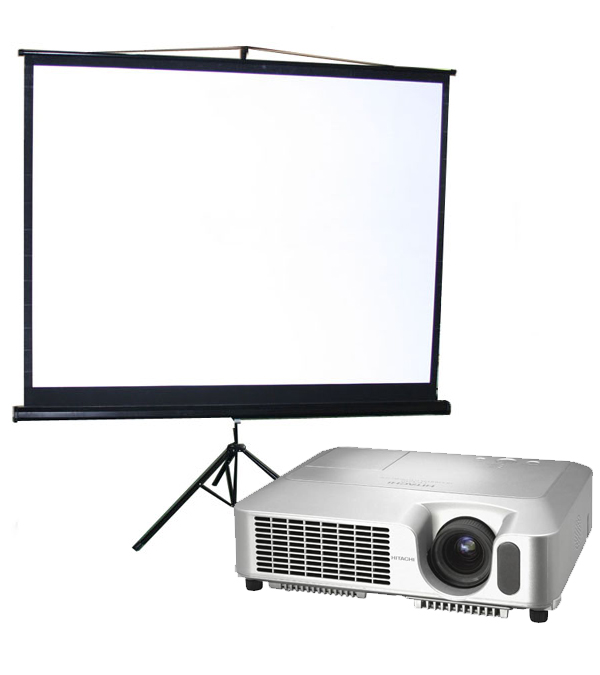
3. Tripod Projector Screens (Portable and Flexible Use)
Tripod screens are designed for mobility and quick setup. They are ideal for users who move between locations frequently.
Available options:
- Tripod Projector Screen 150cm x 150cm
- Tripod Projector Screen 180cm x 180cm
- Tripod Projector Screen 200cm x 200cm
- Tripod Projector Screen 240cm x 240cm
Why they are effective:
- Highly portable
- Quick setup and dismantling
- Adjustable positioning
- No permanent installation required
Best suited for:
- Trainers and presenters
- Events and roadshows
- Mobile business presentations
- Schools with multiple classrooms
Tripod screens offer the best balance between flexibility and performance.
4. Wireless Projector Connectivity Accessories
Modern projection setups require wireless flexibility to reduce cable clutter and improve efficiency.
Available accessories:
- Epson ELPAP10 Wireless LAN Module for Projectors
- Epson ELPAP11 Wireless LAN Module for Projectors
- Epson Projector Remote Control
Why these matter:
- Enable wireless projection from laptops and devices
- Eliminate HDMI cable limitations
- Improve presentation mobility
- Allow remote control of projector functions
Best suited for:
- Corporate presentations
- Smart classrooms
- Modern office environments
Wireless modules are essential for users who want a clean, cable-free setup with maximum convenience.
5. Mounting and Installation Equipment
Proper installation determines projection stability, alignment, and long-term usability.
Available products:
- Adjustable Height Aluminum Projector Stand (table/floor stand)
- Universal Projector Holder (ceiling/wall mount)
- Projector Lift Motorized Bracket
Why mounting matters:
- Ensures stable and accurate projection alignment
- Reduces vibration and image distortion
- Improves room aesthetics
- Enhances safety in fixed installations
Best suited for:
- Offices
- Schools
- Conference rooms
- Auditoriums
Motorized lifts are the premium option for hidden and automated projector installations.
6. Additional Presentation Equipment
To complete a professional setup, supporting tools are essential.
Available product:
- Whiteboard with Aluminum Frame – 4ft x 5ft
Why it is important:
- Ideal for teaching and presentations
- Combines digital projection with manual explanation
- Durable and reusable writing surface
- Enhances interactive learning environments
Best suited for:
- Schools
- Training centers
- Meeting rooms
Choosing the Right Projector Setup (Practical Guide)
1. For Corporate Offices
Recommended setup:
- Electric screen (200cm or 240cm)
- Ceiling mount or motorized lift
- Wireless LAN module
2. For Schools and Training Centers
Recommended setup:
- Manual or tripod screen (180cm–240cm)
- Adjustable projector stand
- Whiteboard integration
3. For Mobile Presentations
Recommended setup:
- Tripod screen (portable sizes)
- Projector stand
- Wireless module for flexibility
4. For Premium Home Theater
Recommended setup:
- Electric screen
- Ceiling-mounted projector
- Remote control system
Key Buying Considerations
When selecting projector accessories, focus on:
Screen Size
- 150cm–180cm → Small rooms
- 200cm → Medium spaces
- 240cm → Large halls and auditoriums
Installation Type
- Fixed → Electric or manual screens
- Mobile → Tripod screens
Control System
- Manual → Basic operation
- Electric/Wireless → Premium convenience
Setup Environment
- Classroom
- Office
- Home
- Events
Final Recommendation
If you want a complete professional setup, combine:
- Electric projector screen (200cm or 240cm)
- Ceiling or motorized projector mount
- Epson wireless module for connectivity
If you need a budget-friendly solution, choose:
- Manual screen + tripod stand
If you need mobility, choose:
- Tripod screen + wireless module
Visit us on:
https://www.ryanandtroy.com/product-category/projectors-projector-accessories
Conclusion
Projector accessories are not optional—they define the quality, convenience, and professionalism of your entire projection system. At Ryan and Troy Store, the range of screens, mounts, and wireless tools ensures that every user can build a setup tailored to their exact needs.
The right combination of accessories transforms a basic projector into a complete visual communication system designed for performance, clarity, and efficiency.